






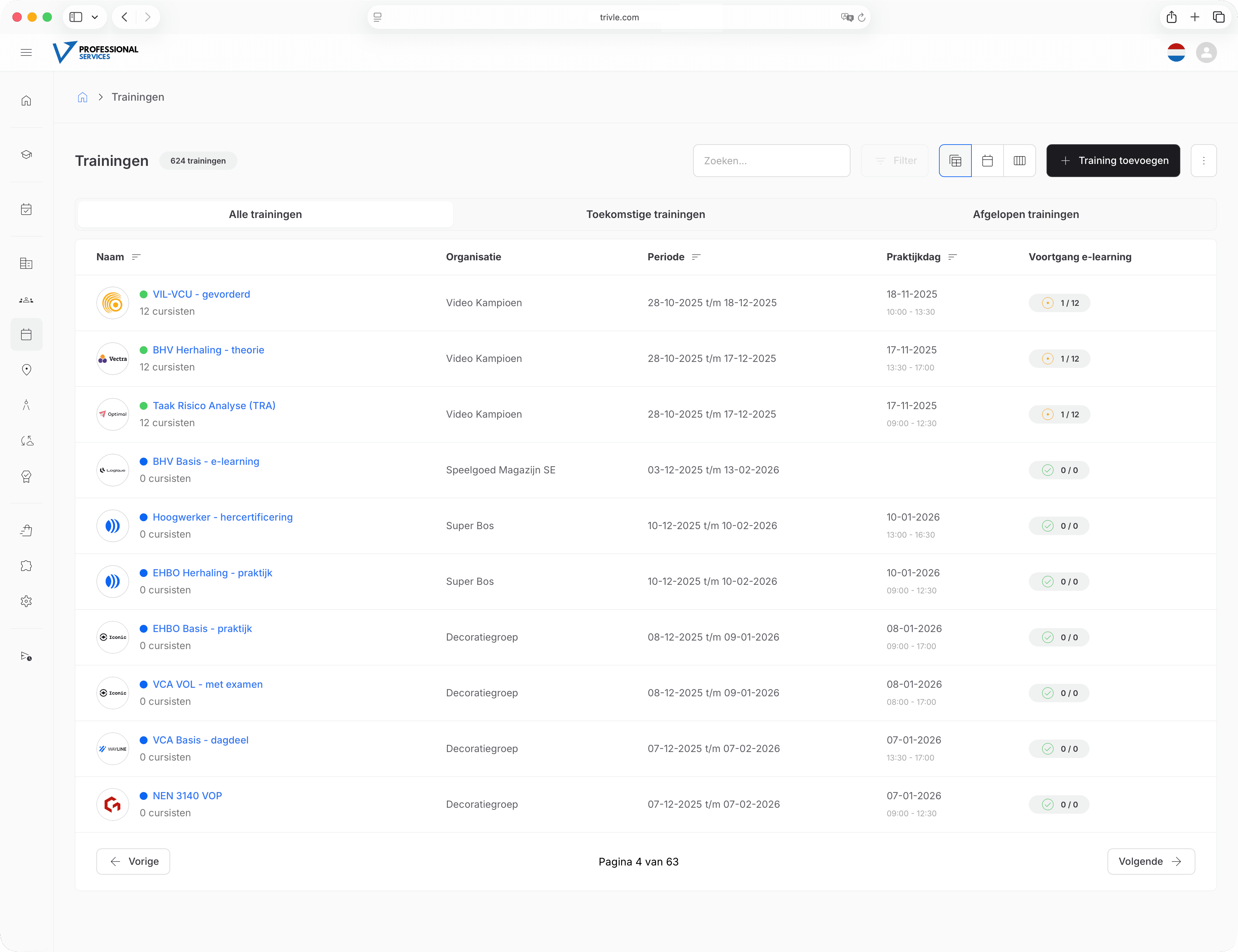
For small training providers to large organizations
Thanks to smart automations and a clear dashboard, Trivle helps you plan trainings easily and efficiently. Save time and reduce administrative workload.
Always clear and in control
See at a glance which trainings are scheduled and where action is required.
Automatic reminders
Automatically send reminders and updates to participants and trainers.
Calendar integrations
Automatic integrations with calendars such as Office365 and Gsuite.
Frequently asked questions
You can schedule a new training from the dashboard. Choose a date, location, trainer, and participants. The system guides you step by step.
Yes. Trivle supports calendar integrations such as Office365 and Google Calendar, so scheduled trainings sync automatically.
Trainers have access to their own portal where they can view and manage all scheduled trainings, participants, and locations.
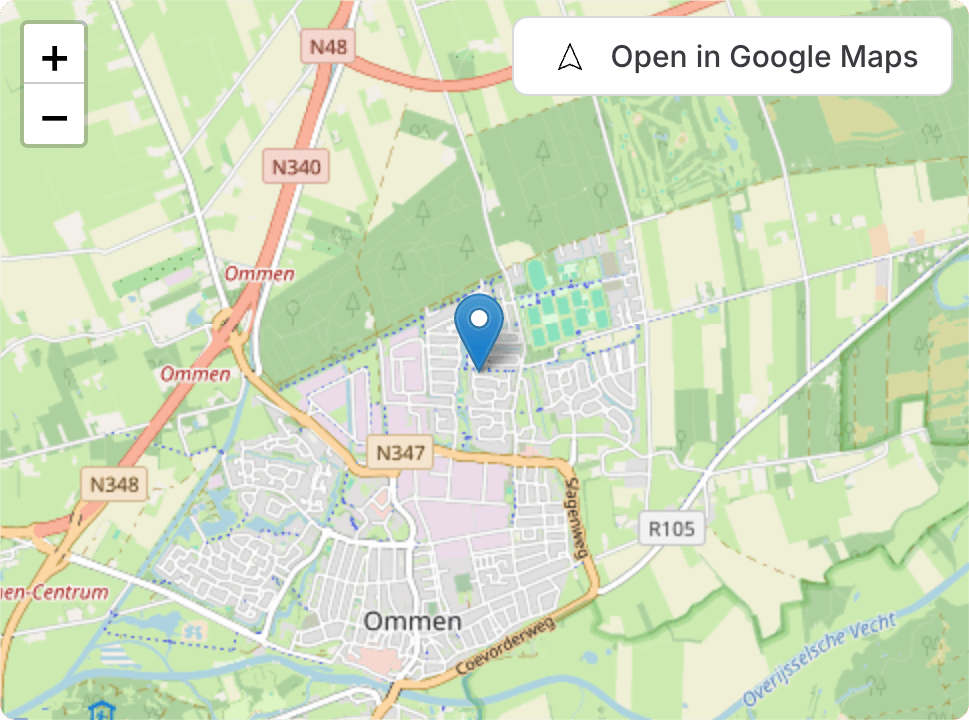
You can link physical locations to each training. Participants automatically receive the correct location information.
Yes. The platform automatically sends reminders, updates, and notifications regarding trainings, certificates, or attendance.
Yes. Trivle automatically generates PDF attendance lists and tracks digital attendance when trainers mark participants.
Absolutely. You can combine classroom sessions with e-learning modules. The system automatically tracks which parts are completed.
While scheduling, you can easily assign a trainer or co-trainer. They automatically receive access to participant lists, progress, and materials.
After completing a training, Trivle can automatically generate a personalized PDF certificate with a unique QR code.
Yes. You can fully customize your environment: colors, typography, logos, and even your own templates for certificates and reports.
Yes. You can use Trivle under your own URL and customize your environment entirely.
Trivle offers API integrations that allow you to connect external systems such as CRMs to automate processes.